
An illustrated environment notebook
Scenery sets the mood, not the result.
Use the clearing to orient yourself. Do not read its light, water or vegetation as a clue to the hidden bill.
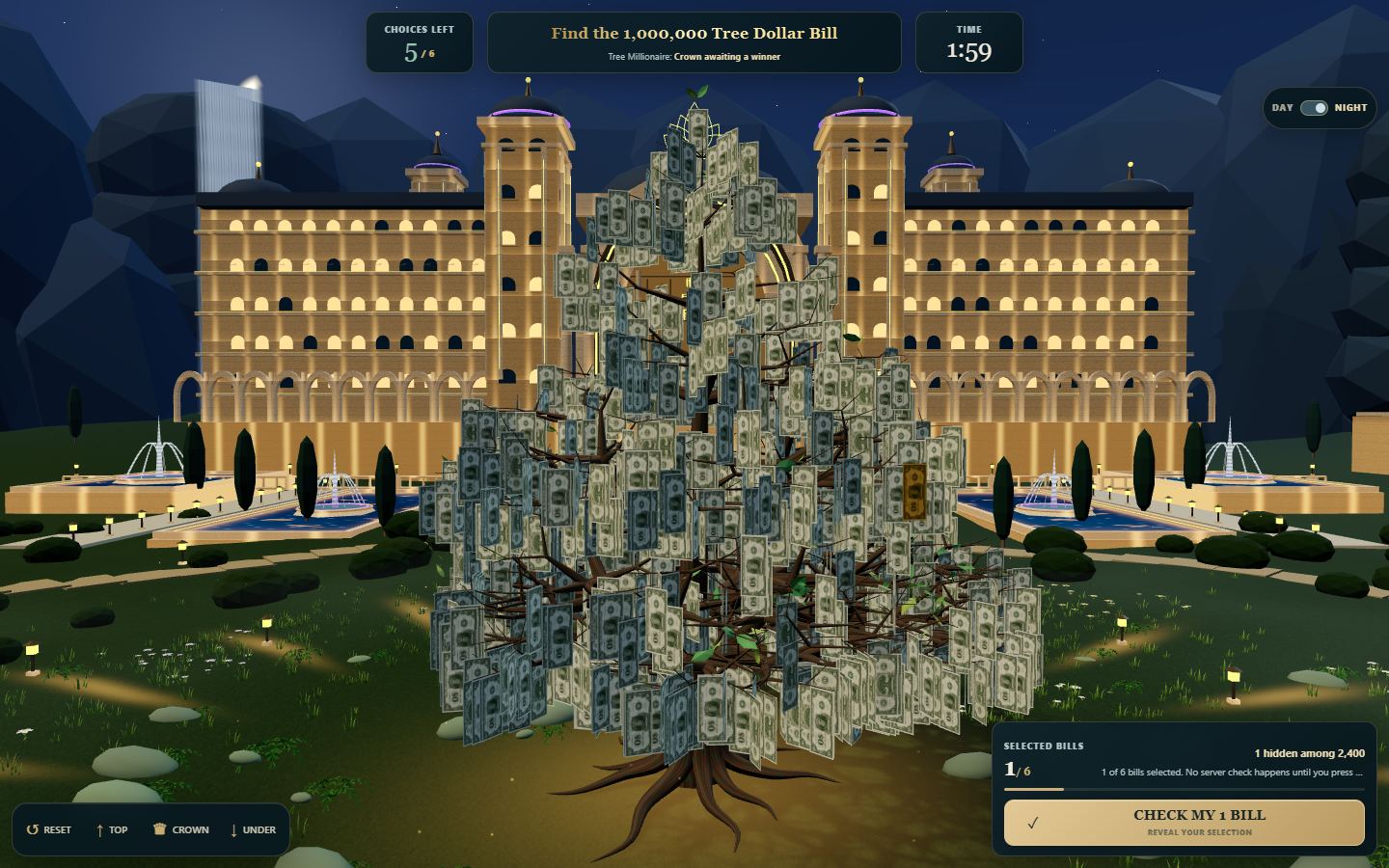
Compare light, not outcomes
Night brings warm tree lighting and a darker backdrop; day makes another contrast balance available. They are views of the same active tree, not two separate searches. Try the theme switch if the outline of a paper is hard to distinguish from branches. Review the selection count afterward; the lighting switch should not add or remove your picks.
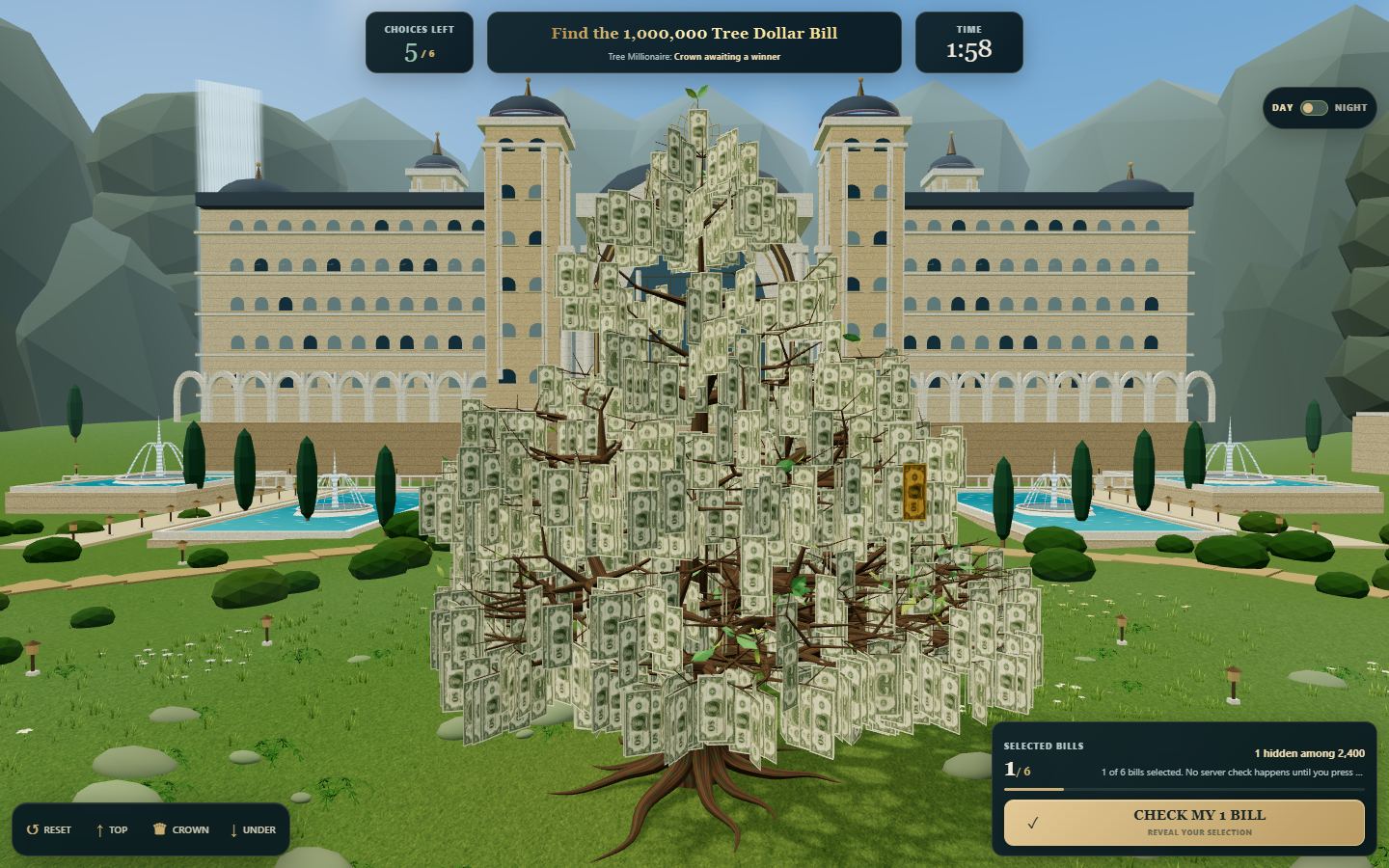
Foreground, background and navigation
The central tree carries selectable paper bills. The surrounding terrain, planting, mountains and water are decoration. A short orbit changes which parts of the clearing are visible; a portrait screen can crop a waterfall that a wide desktop view shows. That is a framing difference, not proof that your phone has a different target.
Use Reset to regain orientation, Top to look into the canopy, Crown for its upper area and Under to inspect it from below. If a bright light masks an edge, changing viewpoint is more useful than repeatedly tapping the same screen pixel.
Keep a useful frame
If you lose the tree while exploring, press Reset before zooming back toward a bill. On a narrow screen, use small rotations to bring the part of the canopy you want into view. The same scene is framed differently on a phone and a wide monitor.
Scenery is there to enjoy between selections. During a timed round, leave enough time to review the selected count and press Check rather than exploring every corner of the garden.
Screenshots show the game interface and may change as the game is updated.